

MCP servers
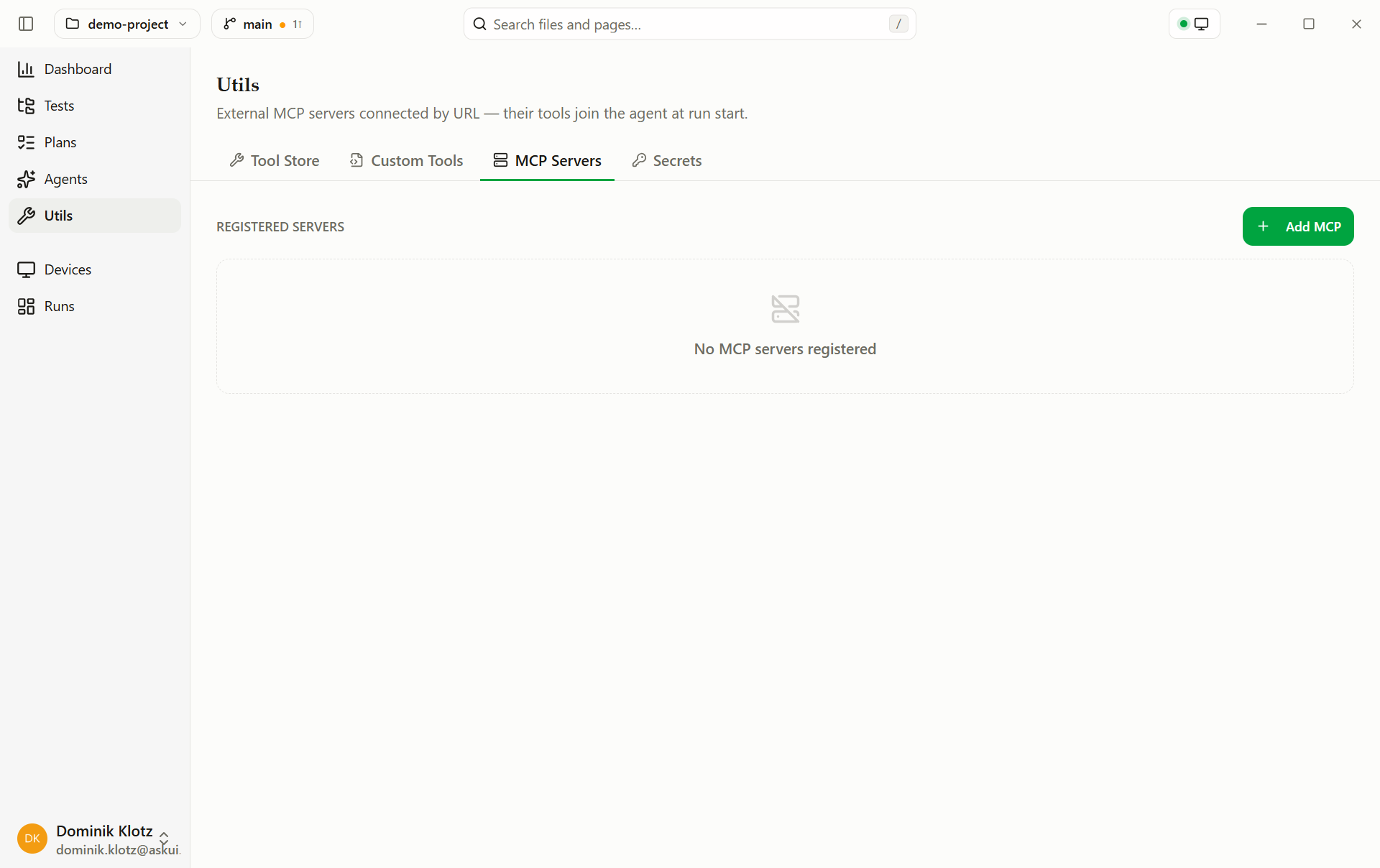
Plug an existing MCP tool server into the agent's toolbox.
A capability that already exists as an MCP server, a Jira bridge, an internal API gateway, doesn't need rebuilding as a custom tool. Register it; its tools join the agent's toolbox.
Add a server
- Open Extending → MCP Servers.
- Click Add MCP server.
- Enter Name, URL (SSE or HTTP), and optional Headers, one per
line, e.g.
Authorization: Bearer ${MCP_TOKEN}.
This writes utils/mcp.json in the project, the whole team and the
CLI in CI get the same server list:
{
  "servers": {
    "issue-tracker": {
      "url": "https://mcp.example.com/sse",
      "headers": { "Authorization": "Bearer ${TRACKER_TOKEN}" }
    }
  }
}
${VAR} values resolve at run start, from the project's secrets first and the environment second, the token never
lands in the file.
Servers connect when a run starts. An unreachable server is retried once,
then the run continues without it. An unavailable helper doesn't fail the
suite: a notice in the run's HTML report (a Warning: line in the CLI) explains
any missing tool.
Edit a server
Click the pencil next to a registered server to change its Name, URL or Headers. The dialog opens with the current values; Edit server saves them and checks the connection again, Cancel leaves the server as it was. Editing keeps the server's on/off state.
Remove a server
Click the trash icon next to a registered server. A confirmation opens,
because removing a server can't be undone: Delete removes it from
utils/mcp.json, Cancel (or Escape) keeps it. The rest of the app
stays unavailable until you choose.
Forge
Let the model draft the pieces of your project you would otherwise write by hand — UI prompts from screenshots, custom tools from a description, and tests from recordings and specs.
Secrets
Keep credentials out of tests, stored encrypted on your machine, hidden from the model, redacted from logs and reports.